

Microsoft Ads Removes Max CPC in Standalone Campaigns: What to Change in Your Bidding, Reporting, and Guardrails Before Oct. 1
admin | | 5 min read
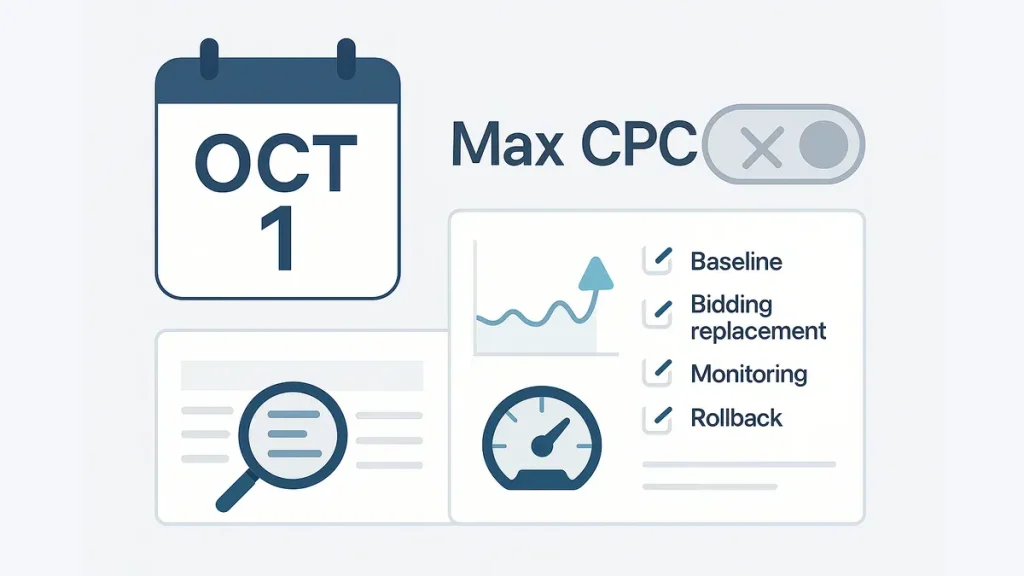
Microsoft Ads is removing Max CPC in standalone campaigns effective Oct. 1. If Max CPC has been your hard stop against cost spikes, plan for CPC inflation, CPA/ROAS drift, or volume swings unless you replace that control layer before the switch.
Keep prep tight: confirm tracking, snapshot a baseline, flag Max-CPC-reliant campaigns, then choose one control path (targets or tighter query/targeting controls). Don’t stack major changes in the same window—you’ll lose attribution.
Try the Schema Generator to add Article schema for a time-sensitive update.
What changed (and why you should care before Oct. 1)
Change: Microsoft Ads is removing the Max CPC control for standalone campaigns by Oct. 1—so you lose a per-click ceiling many teams used to contain auction volatility.
Who’s affected: Accounts running standalone campaigns where Max CPC was the main cost-control lever. If you use portfolio/shared bidding setups, impact can differ—confirm which campaigns actually relied on a Max CPC cap.
Risks to plan for:
- CPC spikes when bids can exceed your historic ceiling.
- CPA/ROAS drift if higher CPC isn’t offset by CVR or value.
- Volume swings as auctions re-balance.
- Extra volatility if you change strategies at the same time.
What not to do: Avoid stacking major edits (new targets, big keyword expansions, new geos, landing page changes, tracking changes). Treat Oct. 1 as the primary change event, then hold other optimizations until you have a clean post-change read.
Pre–Oct. 1 readiness checklist (do this first)
1) Conversion tracking health (fast checks)
- Confirm UET is firing and recording events.
- Verify primary conversions are correct.
- Sanity-check attribution windows and recent edits.
- Note tag/consent/landing page changes from the last 2–4 weeks.
- If you use offline/enhanced conversions, confirm uploads/feeds are current.
2) Baseline snapshot (4–8 weeks)
Pull 4–8 weeks and write down assumptions (seasonality, promotions, site changes). Capture:
- Avg CPC, CVR, CPA and/or ROAS
- Spend, conversions, conversion value/revenue
Example baseline note:
“Period: last 6 weeks excluding promo week. Avg CPC $1.42, CVR 3.1%, CPA $46, Spend $12.4k/wk. Known factor: new landing page rolled out 2 weeks ago.”
3) Identify campaigns where Max CPC is the cost-control hard stop
Prioritize campaigns where removing Max CPC changes behavior most:
- Thin margins / strict CPA targets
- High-CPC, competitive non-brand queries
- Volatile search terms (broad match, loose negatives)
Quick ways to flag them:
- Filter/export campaigns where Max CPC is set.
- Sort by highest CPC and spend.
- Check change history/notes: repeated “Max CPC adjusted” usually means it was a primary lever.
4) Document current settings before you touch anything
For each flagged campaign, record:
- Bidding strategy (and targets if applicable)
- Budgets / shared budgets
- Targeting (geo/device/daypart) and key audiences
- Negatives/exclusions and match type mix
Replace Max CPC: bidding and control-layer changes (choose one path)
Max CPC was a bid cap. Replacements are budgets/pacing, targeting & query controls, negatives, and (if relevant) portfolio structure. Pick the path that matches how the account already runs—don’t overhaul everything at once.
Path A: You’re on Target CPA/ROAS (or moving to it)
- Set initial Target CPA / Target ROAS from your baseline (aim for achievable, not ideal).
- Expect a short learning/adjustment period; avoid other major edits.
- Plan budget expectations: removing caps can increase eligibility and accelerate spend.
Example: If baseline ROAS is ~420% with normal weekly variance, start near baseline and tighten after the post-change evaluation window.
Path B: You’re staying on CPC-style control
Without a cap, control comes from eligibility and intent, not a per-click ceiling. Prioritize:
- Search term hygiene: faster reviews + negatives.
- Match type discipline: reduce overly broad exposure where you can’t tolerate CPC inflation.
- Audience targeting/exclusions: cut low-intent segments from high-stakes campaigns.
- Geo/device/daypart controls: only where baseline splits are clear.
Staging guideline (both paths): Make one primary control change, then hold a short stabilization window before additional optimization.
Reporting & measurement guardrails (pre/post dashboards, thresholds, and cadence)
Treat Oct. 1 like a platform-driven experiment: define what you’ll watch, when you’ll react, and how you’ll explain results.
Pre/post dashboard: metrics to track
Track pre vs post for:
- CPC, spend, CVR
- CPA and/or ROAS
- Conversions or conversion value
- Impression share (and/or lost IS)
- Top queries/search terms (to catch intent drift)
Monitoring cadence (time-boxed)
- 48 hours: spend acceleration + CPC anomalies.
- 7 days: trend direction (persistent drift vs noise).
- 14 days: post-learning evaluation; decide whether to adjust targets, tighten queries, or revert.
Thresholds and escalation (red/yellow/green)
Define triggers now; tailor to baseline volatility.
Example guardrails to tailor:
- Red: spend up ~30% in 48 hours with conversions flat/down, or CPA up ~25% sustained for 7 days while impression share rises.
- Yellow: CPC rises but efficiency holds (watch query mix and spend).
- Green: efficiency stays within normal variance and query mix is stable.
Annotation plan (keep it lightweight)
- Annotate the change date/time (Oct. 1) as a platform change.
- Keep a change log separating platform-driven vs your edits.
Operational guardrails + rollback plan (keep it simple)
Budget pacing and spend caps
- Set account- and campaign-level budgets to match risk tolerance for the transition window.
- If a campaign can’t exceed a weekly spend level without finance impact, enforce that in budgets—not via per-click caps.
Search terms and negatives workflow (first 1–2 weeks)
- Increase search term review frequency for flagged campaigns (daily if volume is high).
- Add negatives when intent is off; don’t wait a full week if spend is drifting.
Rollback criteria (pause/revert vs wait)
Act fast on:
- Tracking anomalies (conversion collapse with stable clicks).
- Runaway spend that breaches your 48-hour red guardrail.
- Sustained CPA/ROAS breach for 7–14 days with no stabilization.
Wait out:
- Short-term volatility consistent with learning—as long as spend is controlled and query mix hasn’t degraded.
Further reading: Google Search documentation.